



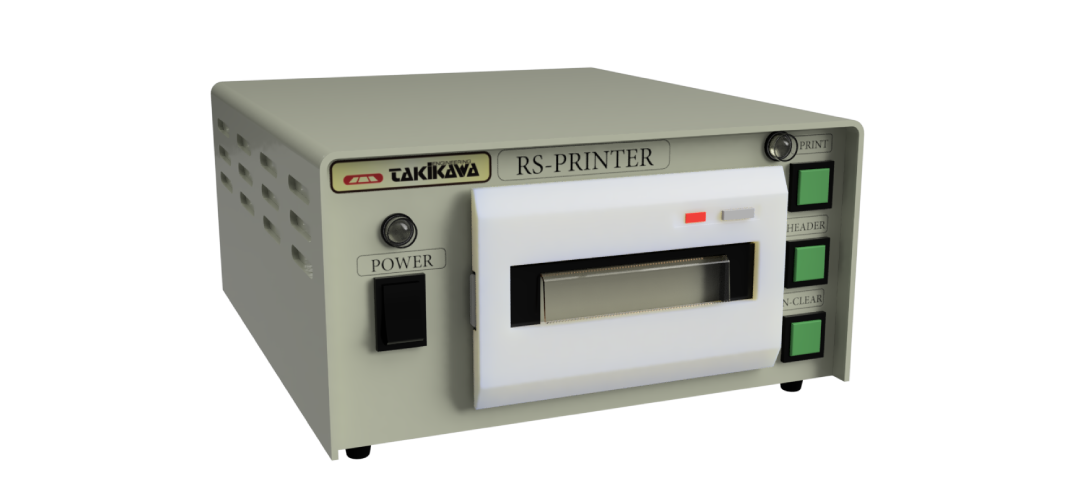
RS printer for laser outer diameter gauges
Overview
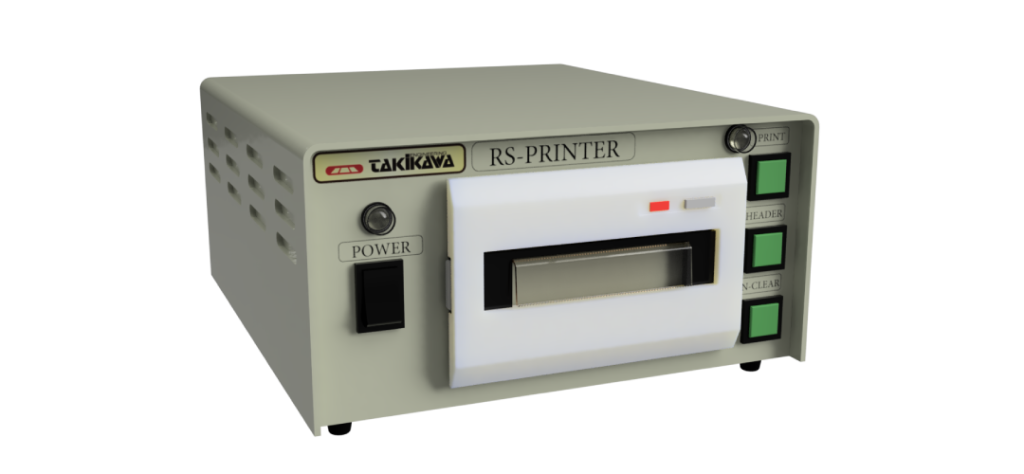
Prints measured values received from the display unit
Connects to the display unit of our laser outer diameter gauges, receives measured values via the RS232C interface, and prints them.
Data Output Examples
Output Examples
Examples of printouts with a single-axis display unit or a multi-axis multi-function display unit connected. For the multi-axis multi-function display unit, examples show ch1 as maximum, ch2 as minimum, and ch3 as range, and a 3-channel display of P (average), X, and Y.
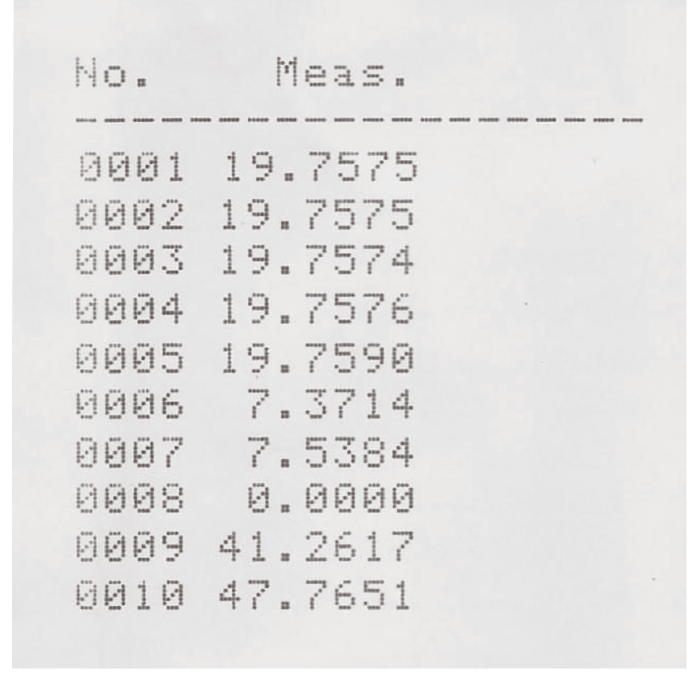
Single-axis display unit
Printing Measured Values
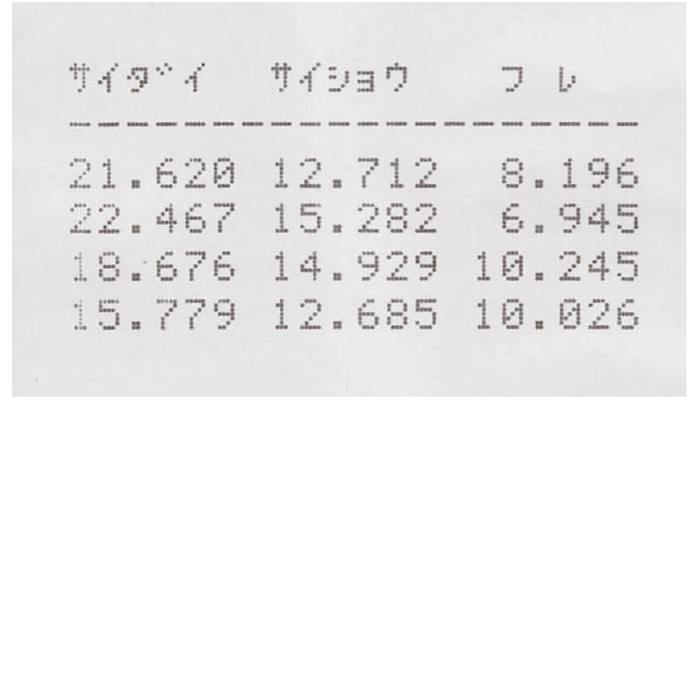
Multi-axis multi-function display unit
Maximum, minimum, range
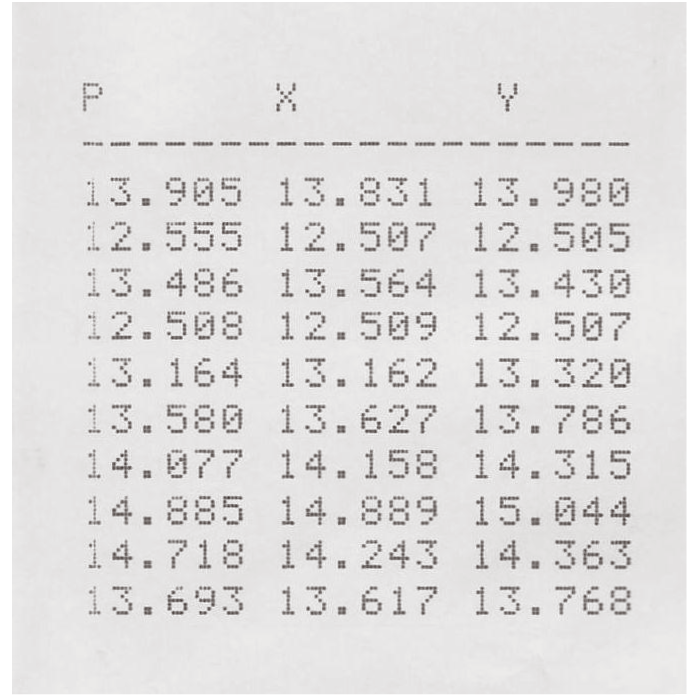
Multi-axis multi-function display unit
Average, X, Y
Specifications
Product Specification
RS printer for laser outer diameter gauges
| Model | RS Printer | |
|---|---|---|
| Printer | 20 characters, 58 mm, thermal | |
| Serial communication settings | Connects to Takikawa Vision laser outer diameter gauge display units | |
| Communication settings | Default: 9600 bps (varies by model) | |
| External communication | RS232C as standard (baud rate 9600/19200 bps) | |
| Power supply | 100–240 V AC universal power supply, 50/60 Hz | |
| Power consumption | 15 VA or less | |
| CAD files |  DXF |
 PDF |
Documents for Evaluation
- Download
For case studies and products,
please feel free to contact us.